Sign PDF Online: Add Electronic Signatures to PDF Files
Add electronic signatures to PDF files online. Draw, type, or upload your signature, place it on the document, resize it, and download the signed PDF.
Sign PDF Online: Add Electronic Signatures to PDF Files
Signing a PDF does not always require printing the document, signing it by hand, scanning it, and sending it back. With an online PDF signing tool, you can add an electronic signature directly to your document.
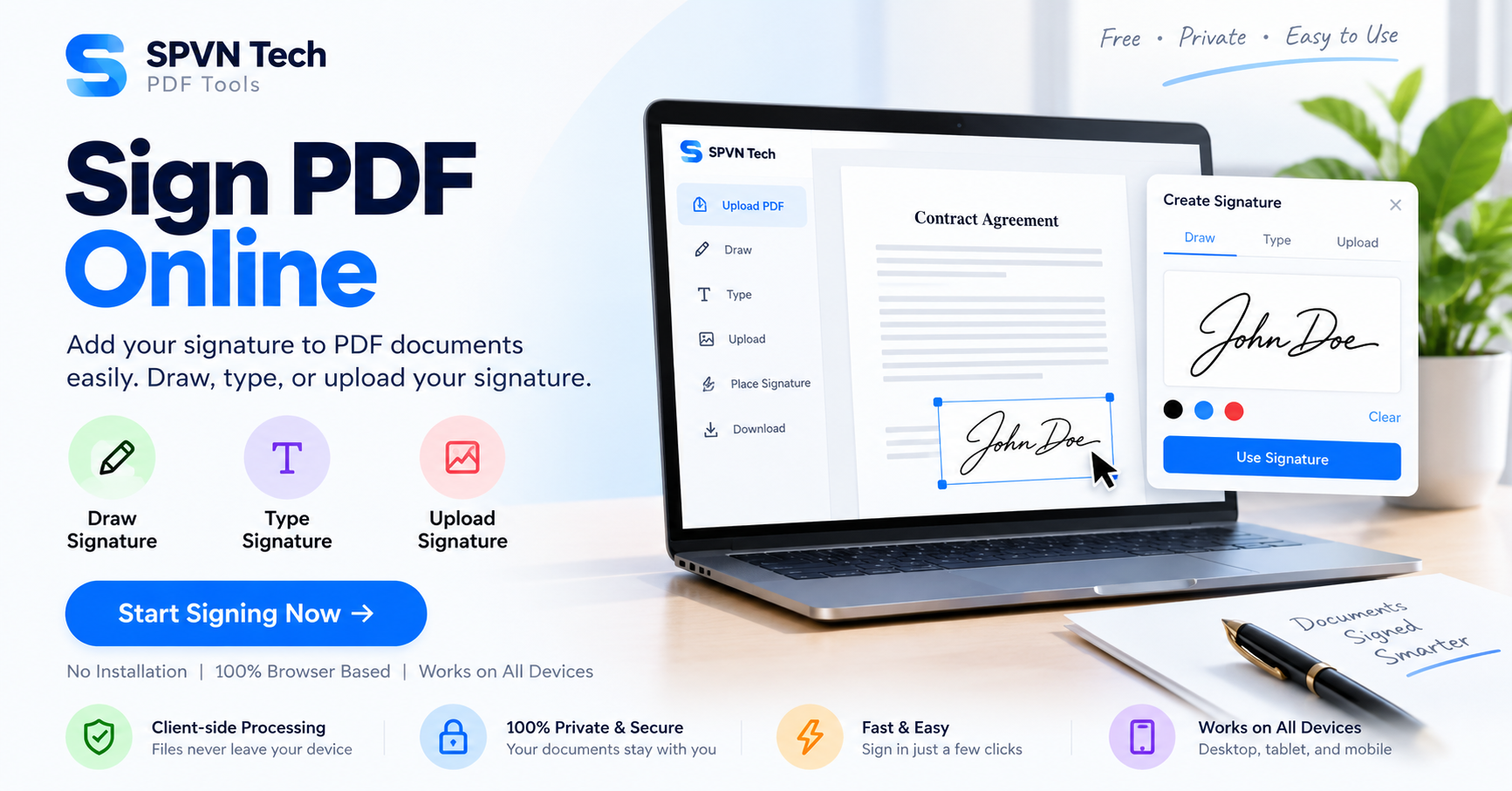
SPVN Tech Sign PDF lets you create and place electronic signatures on PDF documents. You can draw your signature, type your name, or upload an existing signature image. You can then place the signature anywhere on the document and adjust its size and position.
What Is Sign PDF?
Sign PDF is an online tool that allows you to add electronic signatures to PDF documents without printing and scanning them.
You can create a signature in three different ways: draw it using a mouse or touch screen, type your name, or upload a signature image.
How to Sign a PDF Online
1. Upload Your PDF
Open the Sign PDF tool and drag and drop your PDF into the upload area. You can also click to select a PDF file from your device.
2. Create Your Signature
Choose how you want to create your signature. You can draw your signature with a mouse or touch device, type your name to generate a signature, or upload an existing signature image.
3. Place and Adjust Your Signature
Click on the document to place your signature. You can drag it to the required position and resize it to fit the document.
You can also add multiple signatures to the same document and position each signature independently.
4. Save and Download
When your signatures are correctly positioned, click Save to apply the signatures to the PDF and download the signed document.
Different Ways to Create an Electronic Signature
Draw Your Signature
Use a mouse, trackpad, stylus, or touchscreen to draw your signature manually.
Type Your Name
Type your name and generate a signature without manually drawing it. This can be useful when working from a desktop computer.
Upload a Signature Image
If you already have a digital image of your signature, upload it and place it directly on the PDF.
Can You Add Multiple Signatures?
Yes. Multiple signatures can be added to a single PDF. Each signature can be positioned and resized independently according to the document layout.
This can be useful when a document requires signatures from multiple people or signatures in several different locations.
Can You Save Your Signature?
Yes. The tool can save your signature in your browser's local storage for future use. This can make repeated document signing faster because you do not need to recreate the same signature each time.
Is an Electronic Signature Legally Binding?
Electronic signatures are recognized in many countries, but legal requirements can vary depending on the country, jurisdiction, and document type.
Some documents may require a specific type of digital signature or additional authentication. For important legal documents, check the applicable regulations in your jurisdiction before relying on an electronic signature.
Is Sign PDF Private?
The tool states that signing happens locally in your browser. This helps keep your PDF document and signature private during the signing process.
Common Uses for Sign PDF
Contract Signing
Sign contracts and agreements electronically without printing, signing, scanning, and sending the documents back.
Form Completion
Add your signature to application forms, consent forms, and other documents that require a signature.
Approval Workflows
Electronic signatures can be useful when reviewing documents and completing approval workflows.
Sign PDF Online
SPVN Tech Sign PDF lets you create, place, resize, and save electronic signatures directly on PDF documents.
Frequently Asked Questions
Can I draw my signature?
Yes. You can draw your signature using a mouse or touch-enabled device.
Can I type my signature?
Yes. You can type your name to generate a signature.
Can I upload a signature image?
Yes. You can upload an existing signature image and place it on your PDF.
Can I add multiple signatures?
Yes. You can add multiple signatures and position each one independently on the document.
Can I save my signature for future use?
Yes. The tool can save your signature in your browser's local storage for convenient reuse.
Does signing happen in the browser?
Yes. The tool states that signing happens locally in the browser.
Related PDF Tools
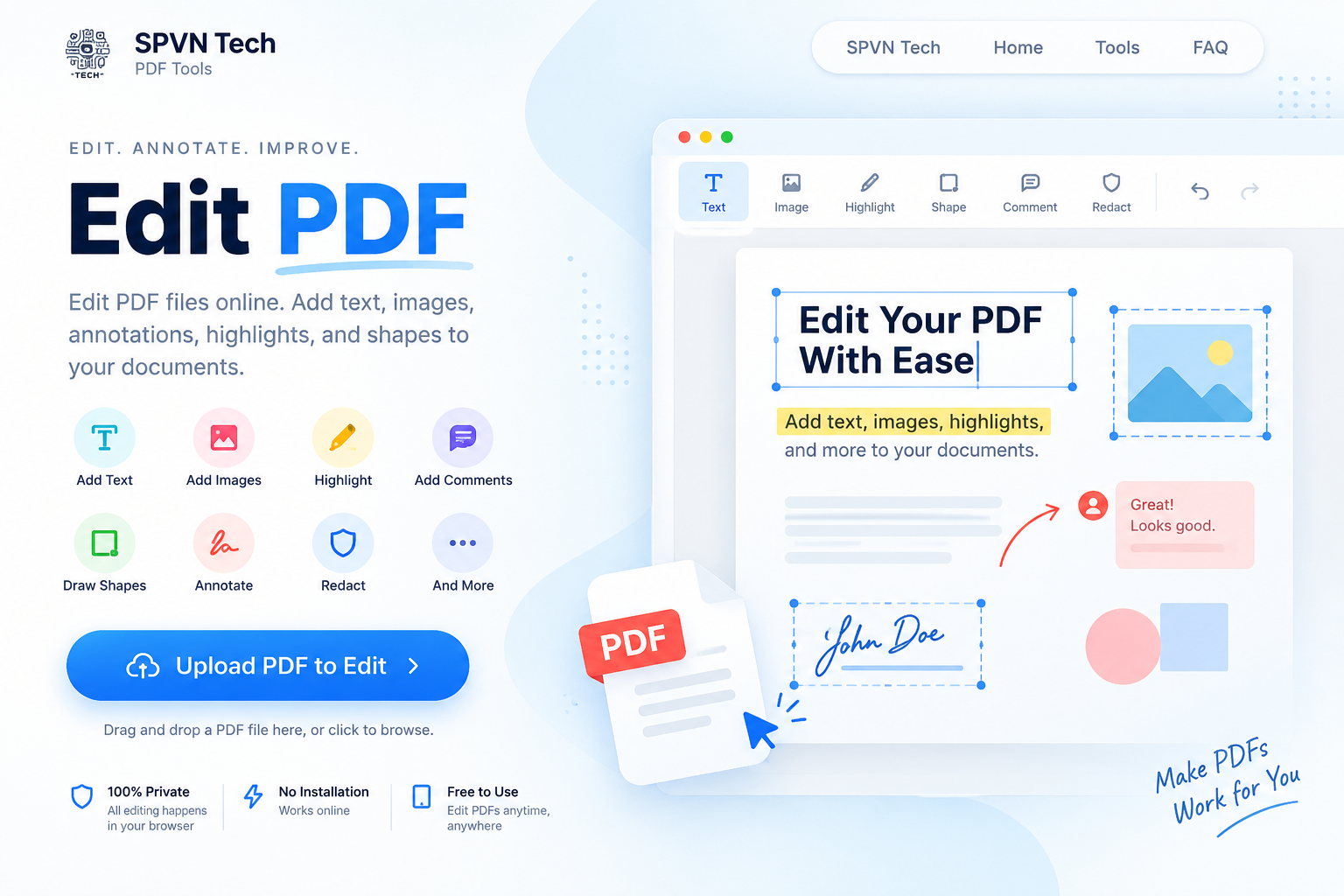
You can also explore related SPVN Tech PDF tools such as Edit PDF, Form Filler, and Add Stamps.
Conclusion
Electronic signatures can simplify everyday document workflows by removing the need to print, sign, scan, and resend PDFs.
With SPVN Tech Sign PDF, you can create a signature by drawing, typing, or uploading an image, place it precisely on your document, add multiple signatures when needed, and download the completed PDF directly from your browser.